
If figuring out a kitchen gadget feels more confusing than exciting, you're not alone. But here’s the good news: with a little creativity, planning, and persistence, your kitchen can be a welcoming, usable space again.
Start with Your Favorites
Think about the tools you use a lot. Is it the microwave to reheat your coffee? Or maybe your slow cooker for a favorite soup? Focus on the appliances that matter most, and make those easier to use.
Make It Work by Touch
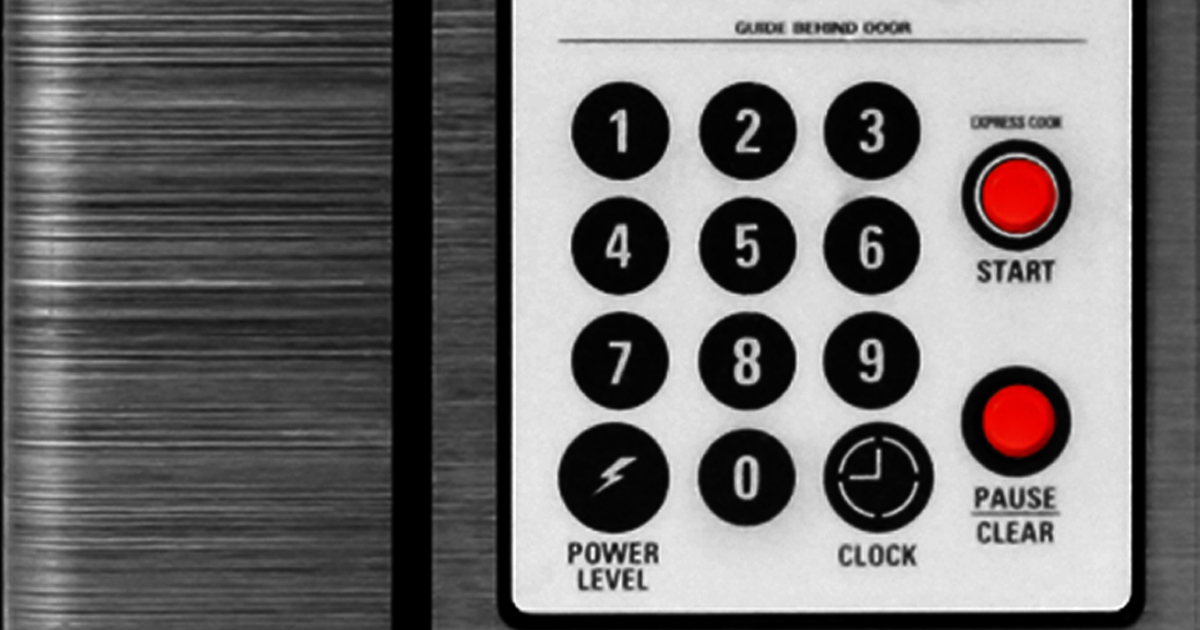
Small touches can make a big difference. Try bump dots, or stickers with bumps you can feel, to mark key buttons, such as Start or “30 seconds” on your microwave, as well as important positions on a dial.
Some appliance manufacturers offer an overlay you can feel. It’s worth calling them to ask. You can also check out Tangible Surface Research, which makes easy-to-feel overlays for popular devices.
Another option? Count clicks or beeps from a known starting point. For example, if your oven starts at 350 degrees and each beep adds 5 degrees, you can press the up arrow to the temperature you want.
It’s all about finding what’s best for you.
Keep It Simple (or Smart!)
Some people enjoy using smart appliances paired with a voice assistant like Alexa. Want to preheat your oven just by asking aloud? That’s possible now.
Others prefer keeping things simple, like a coffee maker with just an on-off switch.
There’s no wrong answer.
Do What Works for You
Whether you label buttons with a friend, call a service like Aira or Be My Eyes, or pare down your tools to the basics, it’s all about what gives you confidence in the kitchen.
Like any recipe, using kitchen appliances involves a little trial, some error, and plenty of adjusting to taste.
Support for cooking with vision loss
Join What’s Cooking, Hadley’s monthly discussion group, to connect with fellow home cooks and share tips, recipes, and helpful hacks.
More practical help
Try Hadley’s free workshop Labels You Touch to discover how marks you can feel can tell you two important things: what the item is and how to use it. Be sure to scroll down under the video workshop for even more resources.
Coping with vision loss
In the Hadley Presents podcast episode In the Kitchen with Vision Loss, Debra Erickson, founder of The Blind Kitchen, shares how she faces her fears in the kitchen and learns some practical tips.
Hadley’s podcasts are also available on Spotify and Apple Podcasts, as well as by phone: 847-558-1317.
What are things you’ve done to make using your appliances a little easier?
0 Comments