
Braille Writing by Sight: Lower Wordsigns was, his, were, be
Hadley presents Contracted Braille Writing, Lower Wordsigns: was, his, were, be.
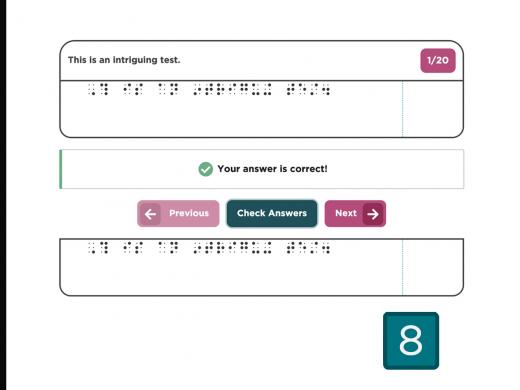
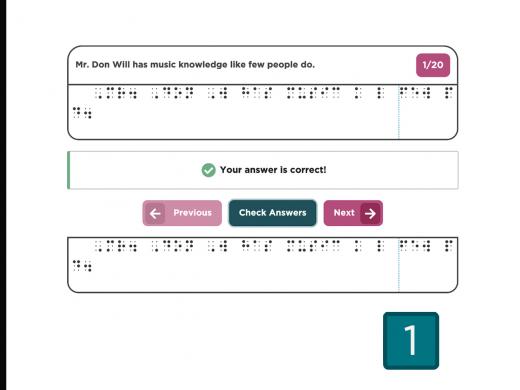
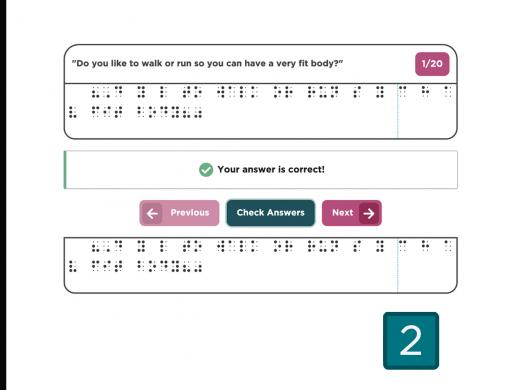
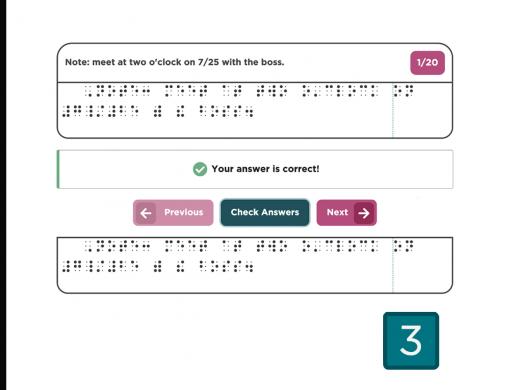
Press the Z key to activate a zoom or magnification feature. Then you can zoom in on the slide as you would any webpage. Remember, first click inside the empty box at the top, then start brailling. After you braille and check your braille, use the next button in the simulator to get the next item to braille. When you have finished brailling all of the phrases, select the big next arrow at the bottom of your screen to proceed.
Now that you've had a chance to learn a bit with us, we'd like to learn more about you. Your email address, name, how you heard about Hadley, and your relationship to vision loss. Learning more will give us a better understanding of how to personalize Hadley just for you. And don't worry, everything you share with us online will be kept safe and secure. Of course, if you'd prefer to talk through these questions, we are just a phone call away at 800-323-4238.
Taking these few steps saves your preferences so you can continue right where you left off and track your progress every time you log on. Plus it connects you to the Hadley community and helps sustain our funding to keep Hadley free-of-charge. And last but not least, it gives you direct access to the Hadley team. So now is your chance to sign up and join us.
-
Handouts
Reading/Writing Passages (PDF)
These passages let you practice this set of braille contractions: you can write the print passage in braille or read the braille passage—then check your answers.
Here's a printout of all the lower contractions and the rules for using them.
Braille Quick Reference Chart (PDF)
This handy page has all of the braille symbols presented in Hadley's three braille series, from the alphabet and numbers to the contractions and special symbols.
-
Websites
Download this free braille software so you can create braille using the same six keys (S-D-F-J-K-L) as you did in the workshop.
Contracted Braille by Sight: Writing Series
Explore
-
"I found hope"
Audio · 8 minutes
-
Everything feels like it’s too much. Now What?
Resource guide
-
Diagnosed with Vision Loss? Find Help Here
Article · 5 minutes
-
What's Cooking?
Discussion
- Explore more
Members also liked
Join the Hadley Community
Hadley's resources are always available to you. Create a no-cost Hadley account to go further:
-
Pick up where you left off Everything you start is automatically saved across Hadley.
-
Personalized recommendations We'll suggest resources based on your interests.
-
Join live discussions Live and lively discussions on technology, cooking, and more, all geared toward the community of people living with vision loss.
-
Find peer support Connect with people who understand what you're going through.