
Making Your Keyboard Easier to See
Hi, I’m Ricky Enger, and today we’ll check out a few tips for making your keyboard easier to see.
Large, bold letters! Better contrast! Keys that are easier to see! Does that sound like the keyboard that came with your computer or the tablet you bought? If it doesn’t, just stick with me for the next few minutes, and it can be.
One simple thing you can do to make your keyboard easier to see is to try adding some light. A gooseneck light with a cone-shaped shade that sits or clamps on the desk, or a floor model nearby, can really brighten up a dim keyboard. Just be sure to position the lamp so the light shines over the keyboard and not in your eye.
There are times, though, where brighter isn’t always better. If you run into that problem, go ahead and try different light bulbs to find the one that brightens up the keyboard without creating glare. Also, a low vision specialist or vision rehab therapist can do a lighting assessment to identify the best lighting for you. For more information, check out our workshop called “Let’s Talk Lighting.”
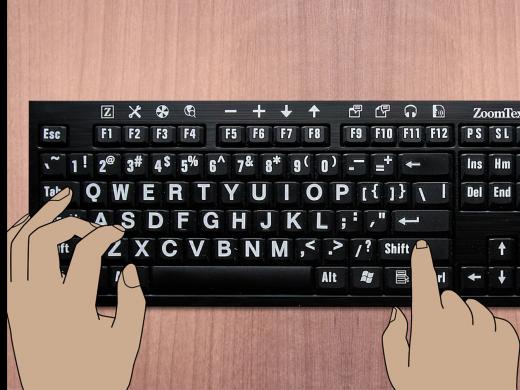
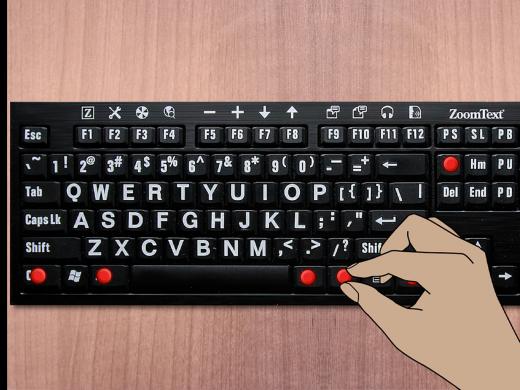
Another option is to get a large print, high contrast keyboard from one of the retailers in our resources list, or from a local low vision specialist. These keyboards are available with white letters on black keys, black letters on white keys, and black letters on yellow keys.
Now, if you want to revamp your existing keyboard, there are large print overlays or large print keyboard stickers you can use. You’ll want to use an alcohol wipe to clean the keys before applying stickers to your keyboard. This will help the labels stick better, and they’ll stay on the keyboard longer.
Also, when picking out the stickers or overlay, be sure it matches the type of keyboard you’re using, meaning a desktop or laptop layout, or a Mac or Windows keyboard.
And like the large print keyboards, these are available with white letters on black keys, black letters on white keys, and black letters on yellow keys.
If you can, take a look at the different color combinations for keyboard stickers before you buy. One color combination may be much easier for you to see than the others. Check our resources list or a local low vision specialist for stickers or overlays.
One last thing: If you’re working with a laptop, you may want to add a full-size desktop keyboard. You’ll connect this extra keyboard with a USB cable or through a wireless Bluetooth setup. This may be easier to use than the keyboard built into your laptop.
As always, contact a learning expert if you have questions or your own tips to share. I’m Ricky Enger, and I’m glad you could spend a little time with me today for tips on making your keyboard easier to see. See you next time.
-
Websites
LS&S sells large print high contrast keyboards, labels, and bump dots.
MaxiAids sells large print high contrast keyboards, labels, and bump dots.
AbleNet sells large print high contrast keyboards.
Independent Living Aids sells task and reading lights for computer keyboarding.
Keyboarding Series
- Video · 5 minutes
- Video · 4 minutes
Explore
-
"I'm not as scared"
Audio · 7 minutes
-
I'm feeling overwhelmed
Resource guide
-
Glaucoma: Questions & Answers
Article · 5 minutes
-
Embracing Braille
Discussion
- Explore more
Members also liked
- Video · 5 minutes

- Video · 3 minutes
- Video · 3 minutes

- Video · 3 minutes
Join the Hadley Community
Hadley's resources are always available to you. Create a no-cost Hadley account to go further:
-
Pick up where you left off Everything you start is automatically saved across Hadley.
-
Personalized recommendations We'll suggest resources based on your interests.
-
Join live discussions Live and lively discussions on technology, cooking, and more, all geared toward the community of people living with vision loss.
-
Find peer support Connect with people who understand what you're going through.