
Alexa: Music Podcasts and Books
Hello, my name is Ricky Enger, and today we’ll take a look at using the Alexa Amazon Echo for accessing our entertainment, like music, books, and podcasts. If you’re not yet familiar with setting up or using your Amazon Echo, check out the first couple of workshops in this series to get up to speed.
So our Alexa Amazon Echo is actually called a smart speaker. So if you ever hear that term, it's just referring to these devices that we can talk to. And you know, one of the coolest things about having a smart speaker is that, well, it's an actual speaker. That means we can play some great music on it, among other things. I wonder what kind of music our assistant likes anyway. Let’s ask.
Alexa, what kind of music do you like?
Alexa: Same as most people. It depends on how I’m feeling. But my good mood tunes are usually pop.
Ricky: Alright, great to know. Now it would be really annoying to hear the responses from my assistant, and the responses from any assistants you have set up as well. For that reason, I’m not going to say our assistant’s name anymore throughout the workshop. I don’t want to wake up your assistant unnecessarily. Just remember that when you’re ready to try each command yourself, be sure and speak the assistant’s name or wake word first.
Okay, so our assistant likes pop. Now how would we go about playing our own good mood tunes? Well, if we think about how we talk to our amazon Echo, just using that really natural way of asking for something, it seems logical that we could just ask our assistant to play something, and it should work, right? Let’s try it and find out. Hmm, you know what puts me in a good mood? Birds! Let’s play a song about that. So our name, or wake word:
Play Rockin’ Robin.
Alexa: Rockin' Robin by Bobby Day on Amazon Music [Song begins to play and continues in background.]
Ricky: Oh, and there it goes. Let’s stop the music though. So our name:
Stop. [Music stops playing.]
Okay cool, so that was a specific song. But maybe we just want to hear some random songs that our assistant chooses, all by a particular artist. I kind of feel like hearing some really swinging piano right now. So I’m just gonna ask our assistant:
Play some Scott Joplin.
Alexa: Shuffling songs by Scott Joplin on Amazon Music. [Music begins to play and continues in background.]
Ricky: Oh, awesome! Love it! But maybe I want to skip to the next song. So, I’ll just use my wake word:
Next. [Music changes to a different song.]
And there we go. The next song is playing. And we’ll tell our assistant to Stop. [Music stops.]
That piano was great, but now I kind of feel like some classical music. So much great stuff to choose from though. I have no idea where to start. Okay then, let’s try this. We’ll do our name:
Play some classical music.
Alexa: Here’s a station you might like. Ultimate classical, on Amazon Music. [Classical music begins to play and continues in background.]
Ricky: And we’ll Stop. [Music stops.] So that’s how we can play music, which is great. But there are other forms of entertainment. How about podcasts? These are just episodes of audio based around a particular topic. Hadley has one called Hadley Presents, so let’s see if we can get that one playing. We’ll just ask our assistant:
Play the Hadley Presents podcast.
Alexa: Playing Hadley Presents: a conversation with the Experts from Apple Podcasts. Here's the latest episode: Back in the Kitchen After Vision Loss. [Podcast begins to play and continues in background.]
Ricky: And we’ll Stop. [Podcasts stops playing.] So yeah, if we hear about a podcast that sounds interesting, we should be able to just ask our assistant to play, then the title of the podcast, and then the word Podcast to tell the Echo that we’re talking about a podcast, not music or a book.
And speaking of books, we’re just going to touch on one last thing. Our assistant can actually read books to us, which is really awesome. There are two services that have books for us. One is called Audible, and the other is called Kindle. Audible books are narrated by people, whereas Kindle books are going to be read using our assistant’s voice. Now, both of these services have books for free, or for purchase, and you can really build a nice library. Check out our Resources section for links to these services so that you can set up your account. However, whether or not you have an Audible account, we can actually test this by grabbing a book that’s free for everyone. We’ll do it like this. Let’s ask our assistant:
What’s free on Audible.
Alexa: This month, world renown cellist, Yo-Yo Ma, invites listeners to reconnect with their innate sense of wonder and to recognize their shared humanity. Beginners Mind from Audible. [Introduction of Audible book begins to play]
Male voice: This is Audible.
Ricky: And we’ll Stop. [Book stops playing.]
So wow, just like that, our assistant grabbed a free book and started reading. This book changes each month, so we can ask again next month and we’ll have something new to listen to. Nice! Our assistant will save our place when we pause or stop. We can even tell our assistant to read faster or slower, or to go to the next chapter. And we’ll phrase those requests just like that, by saying our wake word, and then saying something like read faster. Pretty cool, right? And when we’re not reading the free book of the month, and instead we want to read something from our own Audible or Kindle library, we’ll just say our name, then read title from Audible, or read title from Kindle.
Wow, there is so much our assistant can do to keep us entertained. Just keep experimenting by talking to your assistant to see what works and what doesn’t. When you’re done with this workshop, try giving your Echo some lyrics to a song that maybe you’ve forgotten the title of. Just say:
what song goes, and then the lyrics you remember.
I'm Ricky Enger, and I'm glad you could spend a little time with me today learning about entertainment on the Alexa Amazon Echo digital assistant. Contact a learning expert if you have questions about anything in this workshop, or if you have your own tips to share. We’d love to hear from you! See you next time.
-
Handouts
Amazon Echo: Radio Reading Services (PDF)
Here's how to access Radio Reading Services on Alexa — and a list of news and other services you can access.
-
Products
Find audiobooks and podcasts you can access through paid subscription — or sign up for a free trial.
-
Websites
With TuneIn, you can listen to streaming podcasts, news, and radio stations.
Pandora's streaming music and podcast service offers both free and premium platforms.
Spotify's streaming music and podcast service includes both free and subscriber platforms.
You can access National Federation of the Blind (NFB) Newsline newspapers and magazine for free.
Alexa Series
- Video · 8 minutes
- Video · 7 minutes
- Video · 6 minutes
- Video · 6 minutes
Explore
-
A Guide to Vision Rehab
Audio · 28 minutes
-
I can’t drive anymore
Resource guide
-
How to Choose the Right Magnifier for Low Vision
Article · 7 minutes
-
Book Nook
Discussion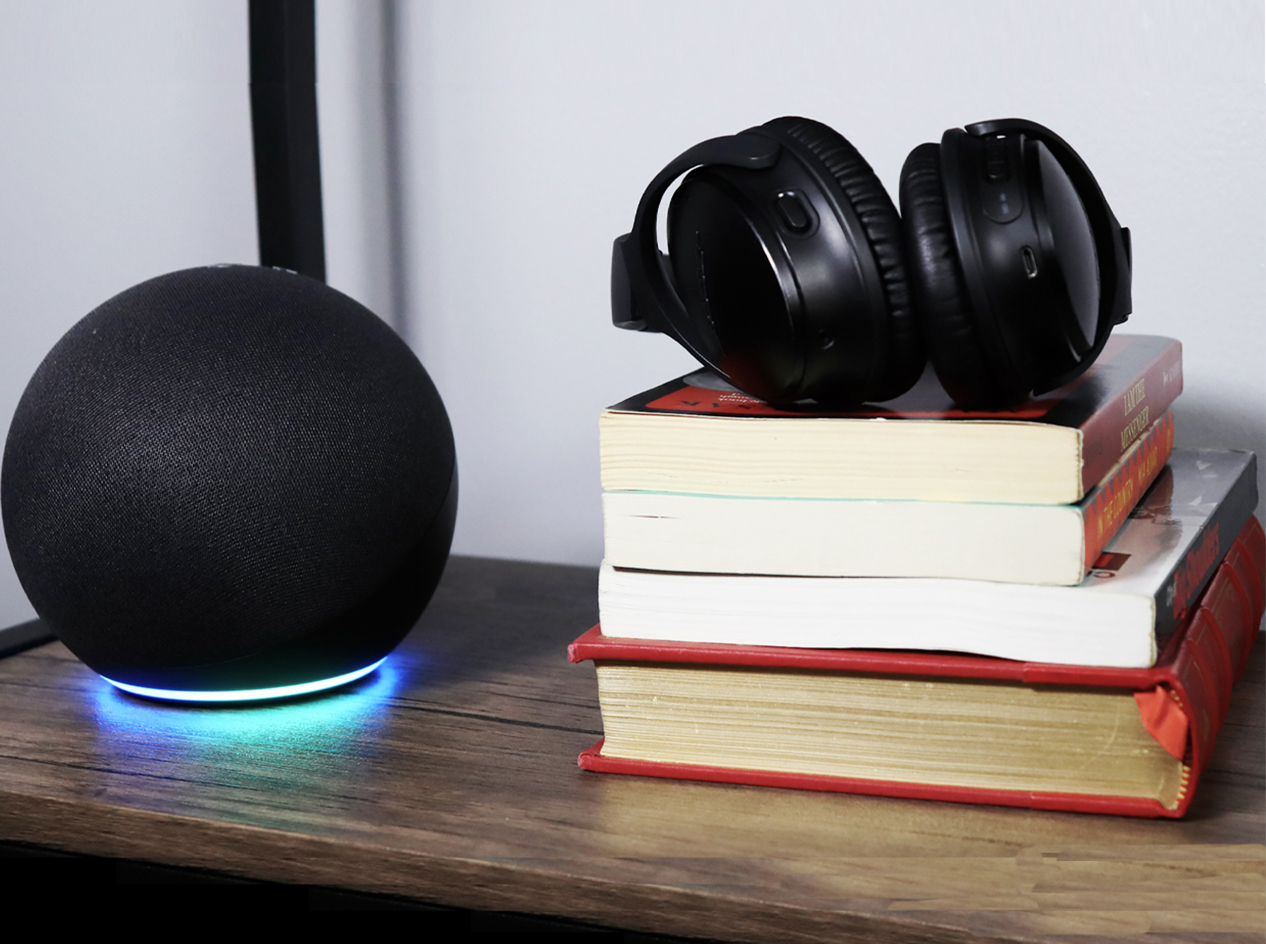
- Explore more
Members also liked
- Video · 3 minutes
- Video · 3 minutes

- Video · 6 minutes
- Video · 10 minutes
Join the Hadley Community
Hadley's resources are always available to you. Create a no-cost Hadley account to go further:
-
Pick up where you left off Everything you start is automatically saved across Hadley.
-
Personalized recommendations We'll suggest resources based on your interests.
-
Join live discussions Live and lively discussions on technology, cooking, and more, all geared toward the community of people living with vision loss.
-
Find peer support Connect with people who understand what you're going through.