
BARD Low Vision: Applying for a BARD Account
Hi, I'm Vikki Vaughan and today we'll learn how to apply for a BARD account. This workshop is intended for users with low vision. If you use a screen-reading program, be sure to check out our screen-reading version of this workshop.
You might be wondering what is BARD? BARD stands for Braille and Audio Reading Download. It's our one-stop shop for all digital books and magazines available through the National Library Service for the Blind and Print Disabled or NLS. Eligible NLS patrons can use their BARD account to access more than 110,000 audio and braille books. BARD also has over 80 current magazines available for downloading.
In this series, we'll learn how to apply for a BARD membership, search for and download desired books, and transfer our digital books to a portable cartridge. To access BARD, our first order of business is to apply for a BARD membership.
Let's jump right in to the NLS BARD website to start our application. The web address is nlsbard.loc.gov. LOC stands for Library of Congress and GOV stands for government. When we first land on the website, we find our cursor in the Email Address edit field located near the bottom of the page. Here we see the username and Password edit fields. This is convenient because once we have our BARD login information, we return to this page to quickly log in.
While we're here, let's discuss some of the links we see on this part of the homepage. Since BARD is a web-based service, we access it through our online devices, whether it's our computer, our phone, or our tablet. Toward the bottom of the homepage, we see links for BARD applications for iOS, Android, and Fire tablets. This workshop focuses on accessing BARD digital content using a Windows computer. It's great to know we have so many choices. Let's click and drag the scroll bar on the side to move to the top of our webpage. Here we find a link entitled BARD application instructions. Let's select it with a click of our mouse.
We opened a new page where we find our application instructions. In order to apply for a BARD account, we must meet three requirements. First of all, we must currently be an NLS patron. We must also have an active email account. And finally, we must have access to the Internet.
If you don't yet have an NLS account, you can call their toll-free number for assistance in signing up. The number is 1-800-424-8567. If you'd prefer to apply online, visit the NLS website for more information. The web address is loc.gov/nls. Let's check out the links on this page. As we scroll down the page, we see two links for BARD applications.
The first one is the one we want to use, the Link to BARD application for individuals. The other link, entitled Link to BARD application for institutions, is for institutions that serve people with visual impairments such as vocational rehab, schools, and hospitals.
At the bottom of the page, we see links to NLS support and the homepage. Let's select the first link since we are applying as an individual. We've opened a new application webpage and here we'll be filling out a form. The first item is a dropdown box. Here we are asked to select the library with which we are affiliated. This is important information because our local NLS library processes our BARD application. Let's select the down arrow to the far right of our dropdown box. Now we'll scroll down to select our local NLS library affiliate.
Since I live in Tennessee, I'll scroll down to the Tennessee Library for Accessible Books and Media in Nashville. Unless you also live in Tennessee, your local NLS library will be different. Once we've selected the appropriate library we use our mouse pointer to select the Submit button. We've opened the BARD individual application page. And here is where we enter our personal information. As we scroll down, we're asked to provide our email address. As I mentioned earlier, BARD uses our email address as our username on the account.
It's really important that we use the same address that we used when we signed up for the NLS service to sign up for the BARD service. The reason it's important is when we complete our BARD application, it is sent to the Library of Congress in Washington, DC. They check with our local library to make sure that we have an NLS account. Our email address is our username for both accounts, our NLS and our BARD account. As with many forms, we're asked to enter our email address twice to confirm the correct spelling.
After the Email Address and confirmation edit fields, we see a dropdown box. We are asked to select the type of player we will be using. By selecting the down arrow at the far right, we see a list of various devices which play digital books. This is where we select the player that we'll be using to listen to our BARD books and magazines.
One more step on this page. When we filled in all of our personal information, we select the Submit button with our mouse pointer. Now, I won't actually do this today because I'm demonstrating the process to you. Within a few days of completing the application process we'll receive an email from BARD with our new username and password. Please join me for the second part of this workshop where we'll cover the rest of the application process. We'll be ready to log in and start using our BARD account in no time.
Today we took our first steps in applying for a BARD account. I am Vikki Vaughan and I thank you for joining me.
-
Handouts
Applying for a BARD Account Quick-Start Guide (PDF)
This quick-start guide helps you apply for a BARD account.
-
Websites
National Library Service (NLS) for the Blind and Print Disabled
Phone: (800) 424-8567
Braille and Audio Reading Download (BARD) program
Using the BARD Website with Low Vision (YouTube Playlist)
Learn how to access and download books and magazines right from the Braille and Audio Reading Download (BARD) website.
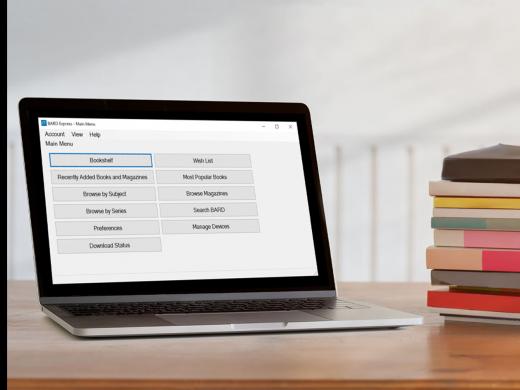
BARD Express Low Vision Series
- Video · 7 minutes
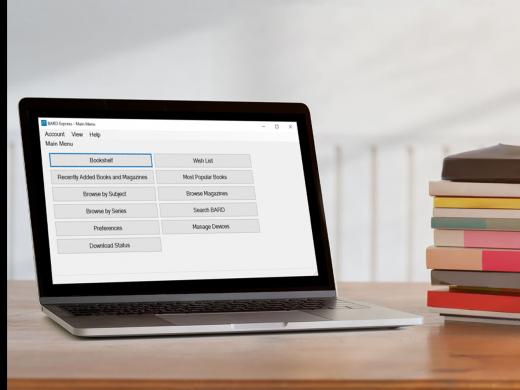
- Video · 6 minutes
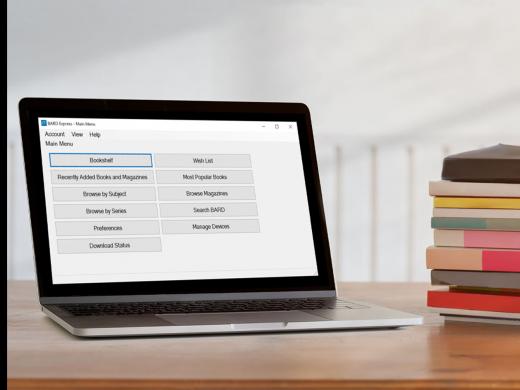
- Video · 7 minutes
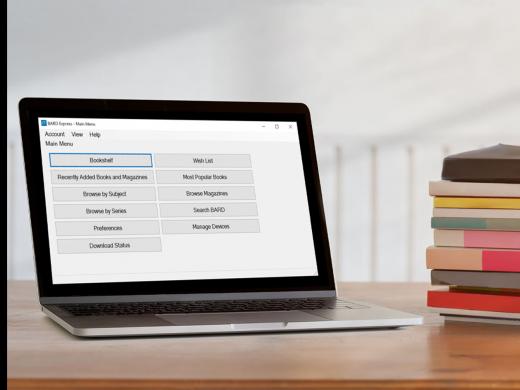
- Video · 6 minutes
Explore
-
Introducing Insights & Sound Bites
Audio · 18 minutes
-
I'm having trouble reading
Resource guide
-
5 Top Questions After a Macular Degeneration Diagnosis
Article · 5 minutes
-
Embracing Braille
Discussion
- Explore more
Members also liked
- Video · 5 minutes
- Video · 3 minutes

- Video · 4 minutes
- Video · 3 minutes
Join the Hadley Community
Hadley's resources are always available to you. Create a no-cost Hadley account to go further:
-
Pick up where you left off Everything you start is automatically saved across Hadley.
-
Personalized recommendations We'll suggest resources based on your interests.
-
Join live discussions Live and lively discussions on technology, cooking, and more, all geared toward the community of people living with vision loss.
-
Find peer support Connect with people who understand what you're going through.