
iPhone/iPad: Siri for Reminders
Hello, my name is Douglas Walker. Today, we're gonna be using Siri to set a reminder. Now, I like to think of reminders as like my sticky notes. Instead of having sticky notes posted everywhere, I have my reminders app.
Now Apple likes to call Siri our personal assistant. And with Siri, we're able to do things like set calendar appointments, get walking directions, place a phone call, or even send a text message. And today, of course, is all about setting a reminder, so let's jump right in and use Siri to set a reminder.
Most of the time, Siri is turned on during our setup process. However, if you didn't have a chance to set it up, then check out our resource area just below this workshop. There you'll find step-by-step directions for exactly how to get Siri all set up.
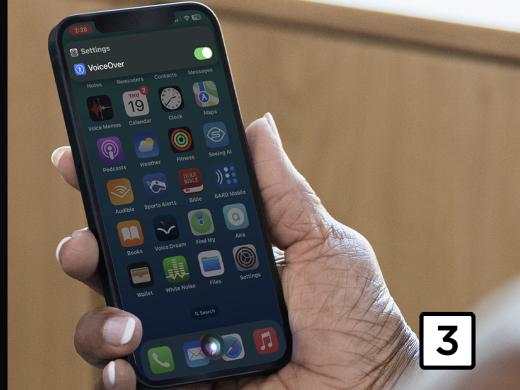
Yeah, and another note, we currently have Voiceover running, which is Apple's screen reading software. And this will ensure that we get the most interaction out of Siri. And if you're not familiar with Voiceover, you're really gonna want to check out our Listen With Voiceover series.
All right, all we have to do to start Siri is to either say Siri or hey Siri. It really all depends on how we've set up our phone. And then we'll just speak our reminder and we'll say something like, "Remind me to pick up my laundry today at 3:00 PM."
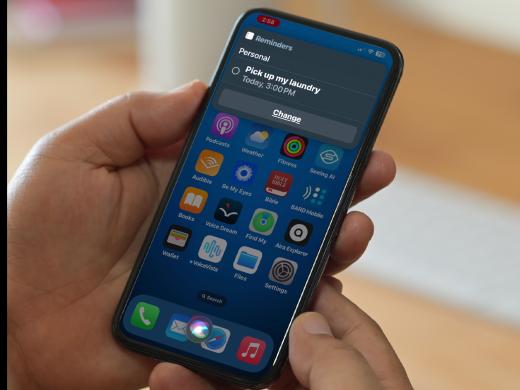
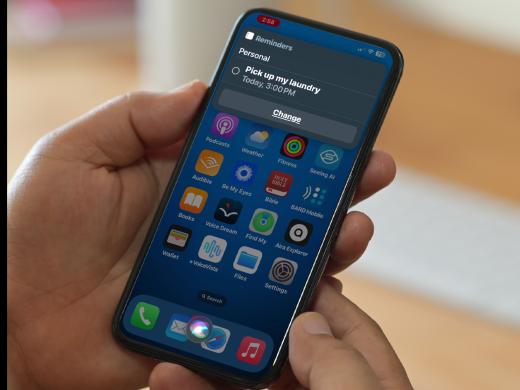
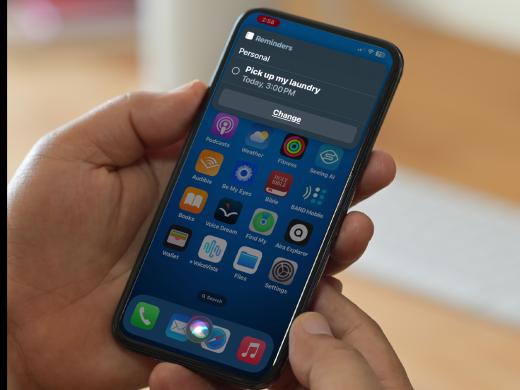
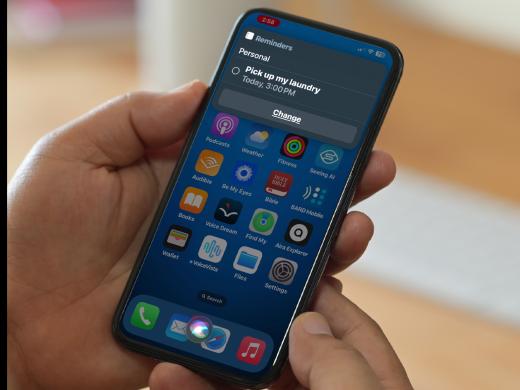
Now, when we stop talking, Siri will confirm our reminder by saying, "Okay, I'll remind you." Now, our reminder confirmation will actually be presented on our screen and we could just right swipe to our screen to see or even edit our reminders. So how about we go ahead and give it a try? Siri, remind me to pick up my laundry today at 3:00 PM
Siri: Okay, I added pick up my laundry for this afternoon at 3:00 PM
Douglas: Great, and Siri announced that we will be reminded and now when three o'clock rolls around, we'll get a notification that we need to pick up our laundry and hey, how great is that, right.
Now, Siri will continue to listen and we could make another request if we like, which is really great, but we'll just go ahead and swipe up to close our series screen for now.
You know, it's also really cool to know that we have the ability to set up a reminder for when we arrive at or when we leave a location and we can set up a location reminder by saying something like remind me when I leave here to call my wife. Or we could say something like, remind me when I get home to feed my cats.
You know, like, they're not gonna remind me themselves, right. So anyway, that's how we use Siri to quickly set up a reminder. You know, using Siri really is super fast and so useful for helping us to set reminders for just about anything. Again, my name is Douglas Walker. Take care, and I'll see you next time.
-
Handouts
Siri for Reminders Quick-Start Guide (PDF)
This quick-start guide helps you make reminder notices using Siri.
Siri Series
- Video · 5 minutes
- Video · 4 minutes
- Video · 4 minutes
- Video · 3 minutes
Explore
-
A Chat with a Retina Specialist
Audio · 21 minutes
-
A family member has vision loss
Resource guide
-
5 Free Apps to Help After Vision Loss
Article · 5 minutes
-
Recreation Chat
Discussion
- Explore more
Members also liked
- Video · 3 minutes
- Video · 12 minutes
- Video · 10 minutes
- Video · 10 minutes
Join the Hadley Community
Hadley's resources are always available to you. Create a no-cost Hadley account to go further:
-
Pick up where you left off Everything you start is automatically saved across Hadley.
-
Personalized recommendations We'll suggest resources based on your interests.
-
Join live discussions Live and lively discussions on technology, cooking, and more, all geared toward the community of people living with vision loss.
-
Find peer support Connect with people who understand what you're going through.