
iPhone/iPad: Siri for Weather
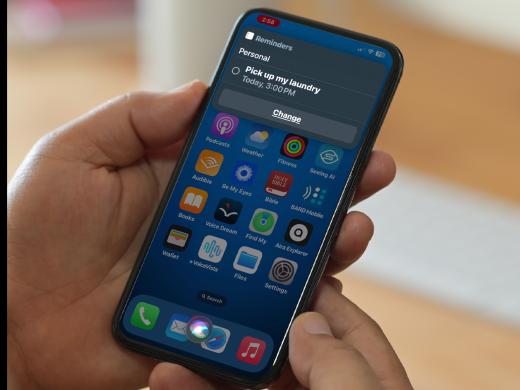
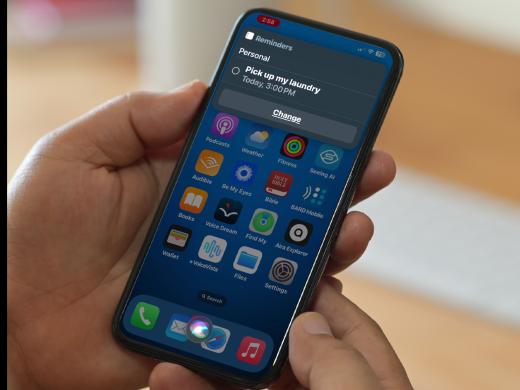
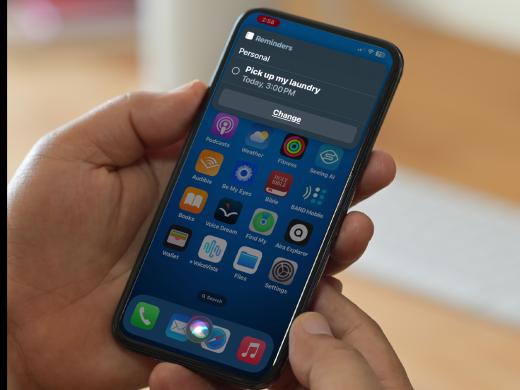
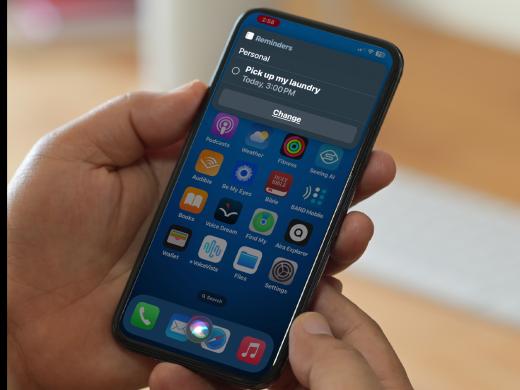
Hello, my name is Douglas Walker. Today, we're gonna be using Siri to check our current weather. Now, Apple likes to call Siri "our personal assistant." And with Siri, we're able to do things like set a timer, we're able to create an appointment, place a phone call, or even send a text message. And today, of course, is all about checking our weather. So, let's jump right in and use Siri to check our weather.
Most of the time, Siri is turned on during our setup process. However, if you didn't have a chance to set it up then check out our resource area just below this workshop. There, you'll find step-by-step directions for exactly how to get Siri all set up.
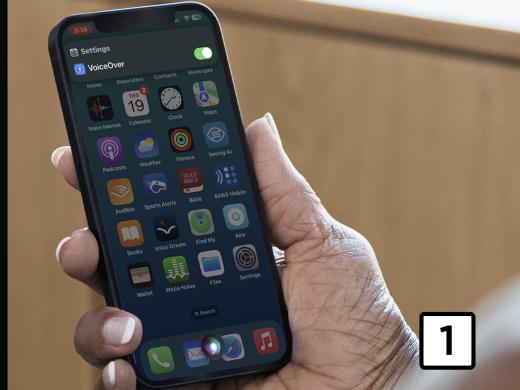
Yeah, and another note. We currently have VoiceOver running, which is Apple's built-in screen reader. This will ensure that we get the most interaction from Siri. And if you're not yet familiar with VoiceOver, you're really gonna wanna check out our "Listen with VoiceOver" series.
All right. To check our current weather, all we have to do is to either say "Siri or Hey Siri." It really all depends on how we've set up our phone. And then we'll just say, "What's the weather outside?" And, of course, Siri will tell us our current weather. Yeah, so how about we go ahead and give that a try. Siri, what's the weather outside?
Siri: The National Weather Service has issued a Tropical Storm Warning, a Hurricane Local Statement, and a Storm Surge Watch. It's currently raining and 87 degrees. Expect cloudy skies starting early evening. Temperatures are heading down from 87 to 81 degrees tonight.
Douglas: Wow, a lot going on today. Yeah, and there you go. Now Siri just gave us the weather for today. However, we could've asked Siri to give us the weather for our whole week, and of course, Siri would do that as well. So there you go. That's how we use Siri to check our weather.
I tell you, it really is so nice to be able to quickly check our current weather. That way, we know if we need to grab our umbrella, a light jacket, or maybe even our swimsuit. Again, my name is Douglas Walker. Take care, and I'll see you next time.
-
Handouts
Siri for Weather Quick-Start Guide (PDF)
This quick-start guide helps you get the weather report using Siri.
Siri Series
- Video · 4 minutes
- Video · 4 minutes
- Video · 4 minutes
- Video · 4 minutes
Explore
-
Newspapers and Vision Loss: Yes, It's Still Possible!
Audio · 19 minutes
-
I was just diagnosed
Resource guide
-
5 Talking Devices People with Vision Loss Find Super Helpful
Article · 5 minutes
-
Tech It Out
Discussion
- Explore more
Members also liked
- Video · 3 minutes
- Video · 12 minutes
- Video · 6 minutes

- Video · 5 minutes

Join the Hadley Community
Hadley's resources are always available to you. Create a no-cost Hadley account to go further:
-
Pick up where you left off Everything you start is automatically saved across Hadley.
-
Personalized recommendations We'll suggest resources based on your interests.
-
Join live discussions Live and lively discussions on technology, cooking, and more, all geared toward the community of people living with vision loss.
-
Find peer support Connect with people who understand what you're going through.